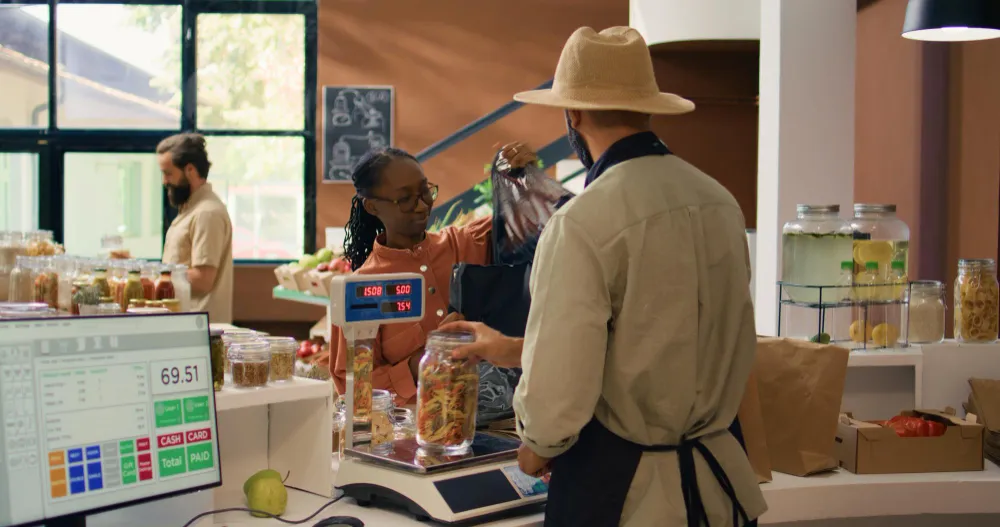




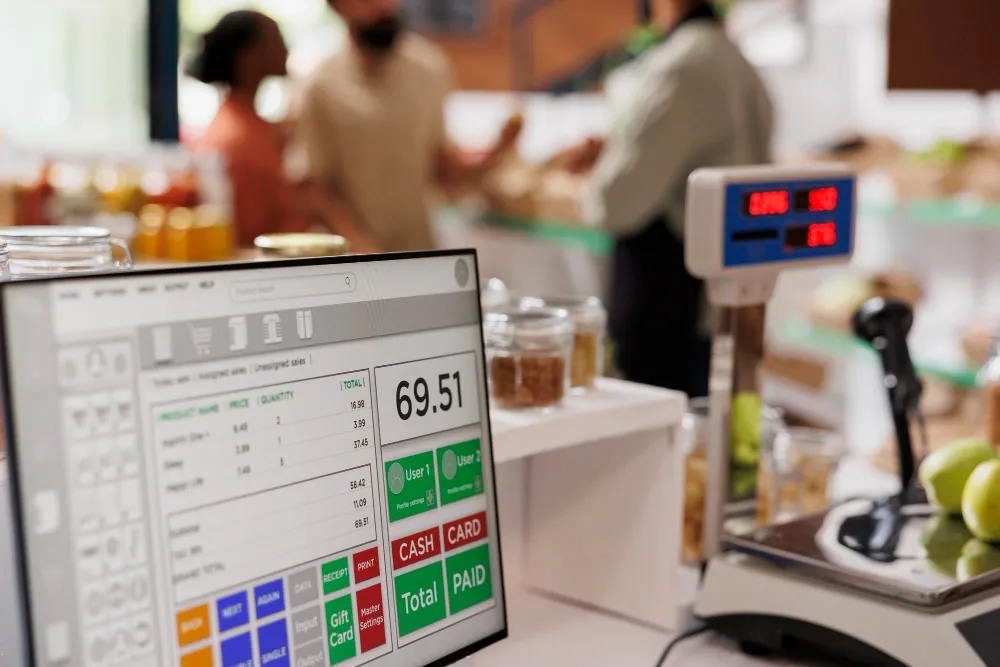

A point of sale system is the software and devices a shop uses to ring up a sale, take payment and issue the receipt. Every sale it records also moves the stock, the cash expected in the drawer and the customer's balance. That is what separates it from a cash register, which keeps only the money.
Most definitions stop there. This guide follows one sale in a Kampala shop through every record it changes. It then covers what you need on day one, what happens offline, and what African shops need.
How does a POS system work? One sale, traced
A POS system works by turning each sale into five records at once: stock, cash, credit, sales and profit. The cashier scans or searches the items, the system totals them, the customer pays, and the receipt prints or goes by SMS. Everything after that happens without anyone writing it down.
For example, Mary, a regular at a mini-supermarket in Kampala, buys 2 bars of soap at UGX 4,000 each and a litre of cooking oil at UGX 9,000. The total is UGX 17,000. She pays UGX 10,000 in cash and asks to pay the rest on Friday.
| Record | Before the sale | After the sale |
|---|---|---|
| Soap on the shelf | 48 bars (2 cartons of 24) | 46 bars |
| Cooking oil on the shelf | 12 litres | 11 litres |
| Cash the drawer should hold | UGX 50,000 (the morning float) | UGX 60,000 |
| What Mary owes the shop | UGX 0 | UGX 7,000, within her UGX 50,000 limit |
| Today's sales | UGX 0 | UGX 17,000: UGX 10,000 cash, UGX 7,000 due |
| Today's gross profit | UGX 0 | UGX 3,100 (UGX 17,000 less the goods' cost of UGX 13,900) |
A cash register would have recorded only the UGX 10,000. An exercise book records what someone remembers to write, usually the money and the debt. The POS system records every line of the table in the time it takes to print the receipt.
The difference shows at closing time. If the drawer holds UGX 58,000 instead of UGX 60,000, the system shows the UGX 2,000 gap that day, not at the end of the month.
What are the parts of a POS system?
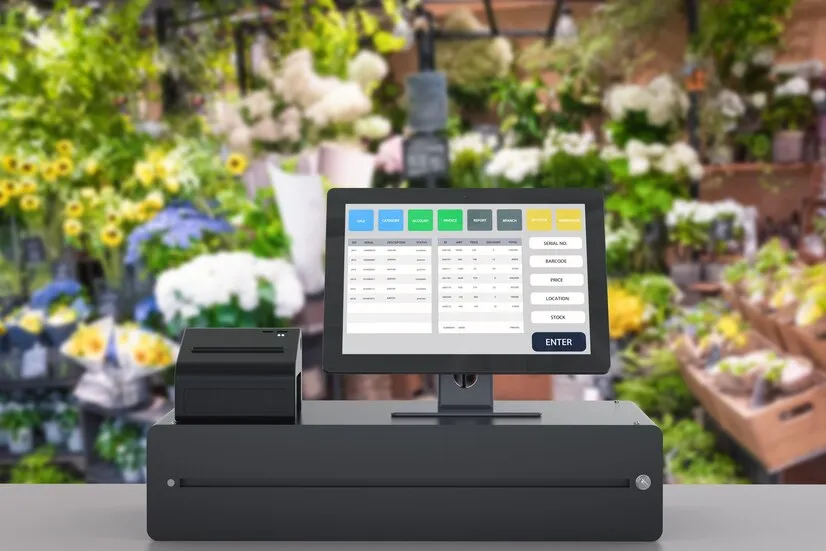
A POS system has three parts: the software, a device to run it on, and whatever takes the payment. Everything else is optional on day one, and most small shops start with a phone or laptop they already own.
| Part | What it does | Needed on day one? |
|---|---|---|
| POS software | Records sales, stock, customers and payments, and builds the reports | Yes |
| Phone, tablet or computer | Runs the software, in a browser or an installed program | Yes, and the one you own usually works |
| Barcode scanner | Reads product codes into the sale | No: a phone camera or typing the code works at first |
| Receipt printer (58mm or 80mm) | Prints the till receipt | No: a receipt can go by SMS or email |
| Cash drawer | Holds the cash and opens after a cash sale | No: worth it once two people handle cash |
| Card machine | Charges a bank card; the POS records the payment | Only if your customers pay by card |
| Customer display | Shows the buyer the items and the total | No |
Buy hardware after a week of real sales, not before. By then you know whether the queue needs a scanner or the customers want paper receipts.
Is a POS machine the same as a POS system?
No. In Nigeria and in many shops elsewhere, "POS" means the card machine, not the system that records the sale. Three different things share the name.
- The POS machine (card terminal). It charges a bank card. In Nigeria, POS agents use these terminals to give people cash. TechCabal calls banking agents, "a.k.a POS agents", the most reliable way to get cash across the country.
- The till or cash register. It adds up the sale and holds the money.
- The POS system. It records what was sold, from which shelf, to whom, how it was paid and what is still owed.
Investopedia's definition starts from payments and recording transactions, with stock tracking as an extra. For a shop owner, the stock and credit records are the reason to buy one. A card machine alone gives you neither.
Does a POS system work without internet?
Some do, and the details matter more than the yes. Ask any vendor four questions before you trust a POS through a power cut or a dead data bundle.
- Does it keep selling if the connection drops in the middle of the day?
- Where are offline sales kept, and do they sync without being counted twice?
- Which payments stop? Mobile money and most card payments need the network.
- Can it start without a connection, or only continue?
ArmPOS answers them this way. If the internet drops while the POS is open, it keeps selling, and the bottom bar shows Offline mode.
Sales are saved on the device and sync without duplicates when the connection returns. Opening the POS for the first time needs a connection.
Power is the other half. A phone or a laptop on battery keeps a browser-based POS running through a short cut, while a desktop till needs a UPS.
What an African shop needs from a POS that global guides skip
An African shop needs a POS that handles mobile money, credit and the carton, because that is how its customers and suppliers work. The US and UK guides that top search results assume cards and a fixed price per item.
- Mobile money as its own payment method. The GSMA reports that more than $2 trillion flowed through mobile money wallets in 2025, and most new accounts came from Sub-Saharan Africa. The POS should total MoMo apart from cash, so you can check it against the wallet statement.
- Credit to regulars, with a limit. A customer like Mary buys on account. The till should show what she owes and refuse a sale that takes her past her limit.
- Buy by the carton, sell by the piece. The system should take a carton of 24 into stock and sell it bar by bar, as in our guide to units of measure in inventory.
- Two prices on one till. Many shops sell the same item retail and wholesale. The cashier should switch the price on the line, not keep a second list.
- More than one shop or store room. Stock should be counted per location, with transfers someone approves. This is where a POS starts to overlap with an inventory management system.
In ArmPOS, any shop can add a payment method called MTN MoMo or M-Pesa and record those payments. On a paid plan, the till can also send the payment prompt to the customer's phone through the shop's own MarzPay account. That works in MarzPay's 12 countries only: Uganda, Kenya, Rwanda, DR Congo, Zambia, Cameroon, Benin, Côte d'Ivoire, Gabon, Congo-Brazzaville, Senegal and Sierra Leone.
How to set up a POS system in ArmPOS
You can set up ArmPOS in an afternoon on the device you already have, then add hardware later. Each step below links to its Help center guide.
- Enter your shop's details and currency. Name, logo, phone and currency go in System Settings: Add your logo and business details.
- Add your products. Make a category and a unit, then each product with its cost, price, stock alert and opening stock: Add your first products. For a long list, use Import products from a spreadsheet.
- Set up cartons and pieces. Make a Box unit built on Piece with a value of 12. Buying by the box and selling by the piece then both work: Categories, brands and units.
- Add the ways customers pay. Cash, Credit Card and Check are built in, and you add others, such as MTN MoMo, yourself: Payment methods and currencies.
- Give each person their own login. Make a Cashier role and a user for each person: Add your team. Staff hours and leave are a separate job, covered in our HR management tips for small businesses.
- Ring up a test sale. Open Sales › POS, check the warehouse and the customer, scan or search, then Pay Now: Make your first sale and The POS screen.
- Count the drawer every shift. Open the register with the float and close it with the cash you counted; ArmPOS shows the difference: Open and close the register.
- Read four reports each evening. Sales, payments by method, profit and loss, and products running low: Reports to check every day.
Frequently asked questions
What is the difference between a POS system and a cash register?
A cash register adds up the sale and keeps the money. A POS system also records the stock that left, the customer who bought, what they still owe and the profit, and turns it into reports.
Can I use my phone as a POS system?
Yes, with a browser-based system. ArmPOS runs in the browser on Android phones, iPhones, tablets and computers, installs like an app, and scans barcodes with the phone's camera.
What are the main types of POS system?
There are three. A cloud POS runs in a browser or app on any device, so you can check it from home. An installed POS lives on one computer, and a card machine may carry a small sales app.
How much does a POS system cost?
The software runs from free plans to monthly subscriptions, and the hardware is optional at first. ArmPOS's Starter plan is free, with no card needed; the paid plans are on the pricing page.
Which POS system should a small shop choose?
Choose by how your shop sells, not by a ranking from another country. Our buyer's checklist for the best POS system for a small business lists the tests to run in a free trial. Shops in Uganda can start from the Uganda page.
The quickest way to see what a POS system records is to ring up one sale yourself. Create a free ArmPOS account, add five products, and sell one to a test customer on the phone you have today.