



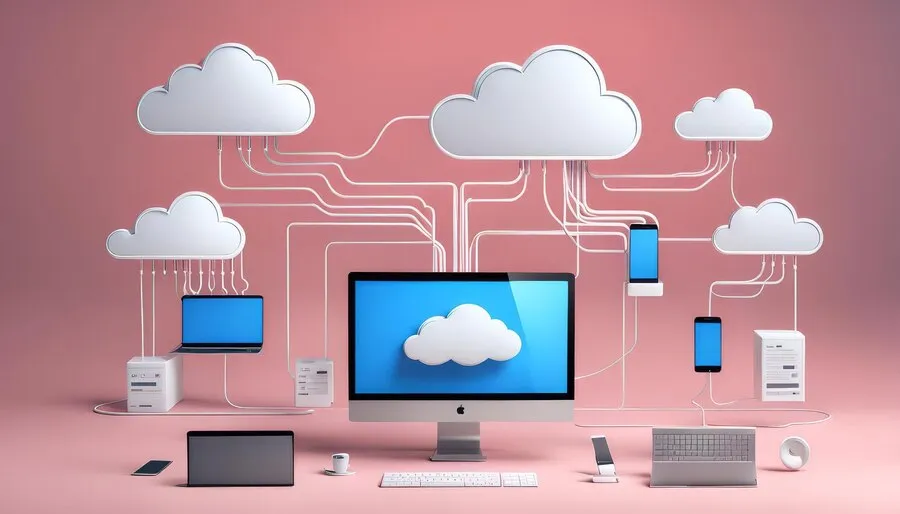

A cloud-based inventory management system keeps your stock records on the provider's servers, reached through a browser or app on any device. Every sale, purchase and transfer updates one shared record, so the owner's phone and every branch see the same stock. For a shop in Africa, the deciding question is what happens when the connection drops.
How a cloud inventory system works
The software runs on the provider's computers, not yours. NIST, the US standards agency, defines cloud computing as on-demand network access to a shared pool of computing resources. For a shop, that means three things.
- One stock record for every device. A sale at a branch in Jinja takes the item off the stock the owner sees in Kampala.
- Nothing to install or back up yourself. The provider runs the server, the updates and the backups.
- A subscription instead of a licence and a server. You pay by the month or the year.
The counter side is usually a point of sale system on the same record, so every sale moves the stock. Compared with a notebook, the gain is a stock figure that is right without a count. It also warns you before the shelf is empty: see avoiding stockouts and overstocking.
That ends the evening stock tally, the kind of job time-saving tools for small retail are for.
What happens when the internet or the power drops
Outages are part of normal trading in much of Africa. World Bank Enterprise Surveys from 2025 report that 80% of firms in Uganda, 75% in Kenya and 82% in Nigeria experienced electrical outages. A router on mains power goes down with them.
So the first thing to test in any cloud system is its offline mode. Here is what ArmPOS does, from its guide to the POS screen.
| Situation | What happens |
|---|---|
| The internet drops while the POS is open | The bottom bar changes to Offline mode and the till keeps selling. Sales are saved on the device. |
| The connection comes back | The saved sales are sent to the server, without duplicates. |
| A customer pays by card or mobile money | These payments need the internet. Take cash until the line is back. |
| You open the POS for the first time on a device | It needs a connection. Open it once while online, before you rely on it offline. |
| You want the dashboard or reports | The Home button back to the dashboard shows only while the till is online. |
Test any system before you commit. Open the POS and switch off the Wi-Fi in the middle of a sale. Finish the sale, switch the Wi-Fi back on, and check the sale appears once.
A phone or laptop with a charged battery keeps a browser till running through a power cut. A desktop computer without a UPS stops, whatever software it runs. The full comparison is in cloud vs on-premise inventory software.
Features that matter for a shop in Africa
Every cloud system lists real-time stock and reports. These are the lines that decide whether one fits a shop here, with ArmPOS's answer beside each.
| Check | Why it matters | ArmPOS |
|---|---|---|
| Sells offline | Power and internet cuts | Yes, while the POS is open |
| Runs on a phone | The phone is the device you already carry | Runs in the browser on phones, tablets and computers, installs like an app, and scans barcodes with the camera |
| Buys by the carton, sells by the piece | Wholesalers sell cartons, customers buy pieces | Units with conversions, such as a box of 12 pieces |
| Credit for regular customers | Many sales go on account | Customer balances, and a credit limit the till enforces |
| Mobile money at the till | Customers pay by phone | MTN MoMo, Airtel Money, M-Pesa and others, through the shop's own MarzPay account on a paid plan, in MarzPay's 12 countries |
| Several branches | Stock in different towns | A warehouse per branch, and transfers that someone must approve |
| Your data out | You may change systems one day | Lists and reports export to EXCEL and PDF |
| Staff languages | Not every cashier reads English | 24 languages in the shop app, including Swahili, Hausa, Yoruba and French |
MarzPay's 12 countries include Uganda, Kenya, Rwanda and Zambia. For branches in several towns, see managing a multiple-location retail business.
What a cloud system costs
A cloud system costs a subscription instead of a licence and a server. Three things decide the real cost for a shop here.
- The currency you are billed in. A plan billed in US dollars costs more shillings or naira each time your currency falls. Check the billing currency before you sign up.
- The devices you already own. A system that runs in a phone browser needs no new computer to start.
- The plan's limits. Products, users and branches usually set the price. ArmPOS's Starter plan is free, with no card; see pricing for the others.
Is your data safe in the cloud?
The provider holds the data and runs the backups, so your risk moves from a stolen or broken shop computer to the provider's practices. Ask any provider three questions: who can see my data, how is it backed up, and how do I get it out?
ArmPOS answers from its own guides. Each person has their own login, and a role decides what they see and do. An owner stops someone's access by switching off their Status, as in your profile and sign-in.
A backup you generate stays on ArmPOS's server. To keep your own copy, export lists and reports with EXCEL or PDF, as backups and system health explains.
How to move your shop onto a cloud system
- Clean your product list first. Remove dead lines, fix names, and give every product one code.
- Make your units before you import. ArmPOS finds each product's unit by its name or short name. See Categories, brands and units.
- Import products from Excel, then their opening stock per warehouse from a second file. See Import products from a spreadsheet.
- Give each person a login and a role before the first day.
- Train the team on a quiet day, including what Offline mode looks like. See how to train employees on a new POS system.
- Start with one branch, and add the next once its counts match the shelf.
- Count after the first month and correct the differences. See Count and adjust stock.
Once the counts hold, let the system carry the routine: automating inventory management covers reorder warnings. The same sales record then feeds ways to increase sales with a POS system.
Frequently asked questions
Does a cloud-based inventory system work without internet?
Only if it has an offline mode. ArmPOS keeps selling while the POS is open and sends the sales when the connection returns; the first open on a device needs a connection.
Can I run it on my phone?
Yes. ArmPOS runs in the phone's browser, installs like an app, and scans barcodes with the camera.
What happens if I stop paying?
In ArmPOS, a paid plan keeps working for a few days after its end date, then the shop stops until you choose a plan. Export your lists and reports before a plan ends.
Is cloud cheaper than installed software?
It costs less to start and more each month. Compare the two over five years, as the cloud vs on-premise comparison does.
Run the offline test on your own phone before you decide. Create a free ArmPOS account, open the POS once while online, then switch off the Wi-Fi and make a sale. Shops in Uganda can start from ArmPOS in Uganda.