




Names like these, in green, are pages inside your ArmPOS shop. Sign in to your shop to open them.
By the end you will know how to track each unit of a product by its own serial number or IMEI, from the delivery to the sale and back, and how its warranty is worked out.
Serial numbers suit things sold one by one that a customer might bring back: phones, laptops, appliances, tools.
The demo shop doesn't sell serial-numbered goods, so the purchase and sale steps below were written from ArmPOS's screens and code, not run.
Switch it on
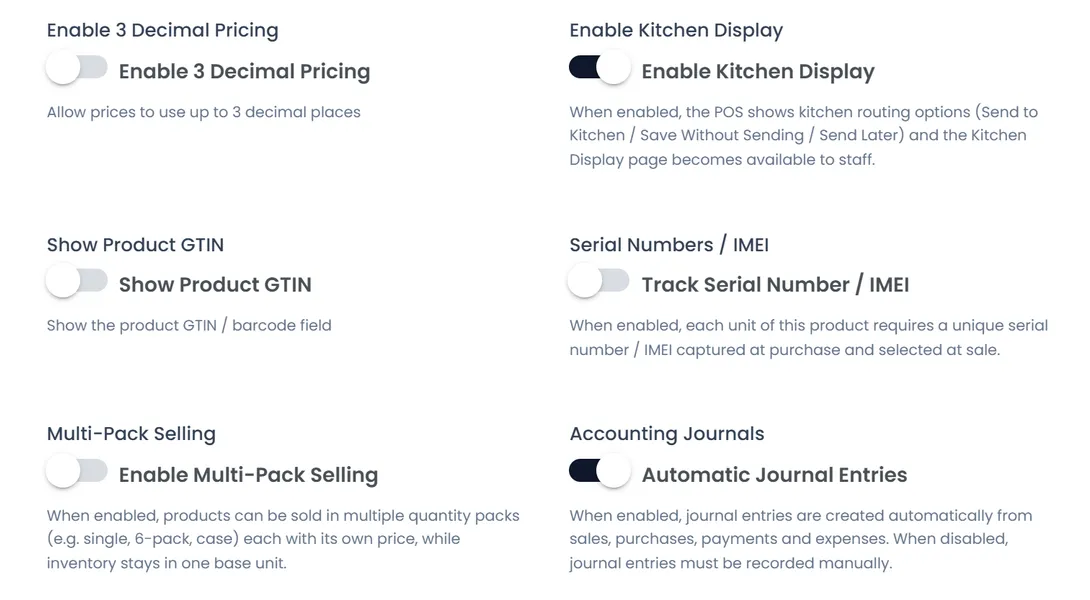
- Open Settings › System Settings, tab Feature Toggles, switch on Track Serial Number / IMEI and click Submit. This makes the option appear on products.
- Open the product and, under Options, switch on Track Serial Number / IMEI. Click Save Product or Save Changes.
Switch tracking on before you receive the product. Units already in stock have no serial numbers, and ArmPOS has no way to add them later, so the till can't sell them.
The warranty
Under Warranty & Guarantee Tracking on the product's form, set the Warranty Period (a number, then Days, Months or Years) and the Warranty Terms. Switch on Has Guarantee to add a Guarantee Period. This works with or without serial numbers.
Each sale then gets its warranty end date: the sale's date plus the period. It shows in the Warranty / Guarantee Report, not on the receipt.
Receive the units
On a purchase, a serial-tracked line opens Enter Serial Numbers / IMEI with a counter, Serials: n / qty:
- Scan each unit's barcode, or type the number and press Enter.
- Or paste a list (one per line, or separated by commas) with the clipboard button, or import a CSV or Excel file.
When the purchase is received, the number of serials must equal the quantity, and each number can exist only once in the whole shop. Each unit is then Available in that warehouse.
Sell a unit
At the POS and on Add sale, the line opens Select Serial Numbers / IMEI: scan the unit, or tick it in the list of available units in that warehouse. Pay Now waits until one serial is chosen per unit sold. The receipt and the invoice show it as IMEI/SN, and the unit becomes Sold, linked to the customer.
Returns
- A sale return lists the serials sold on that sale; the returned unit is available again in the return's warehouse.
- A purchase return lists the units from that purchase still available; they become Returned to Supplier.
Find a unit
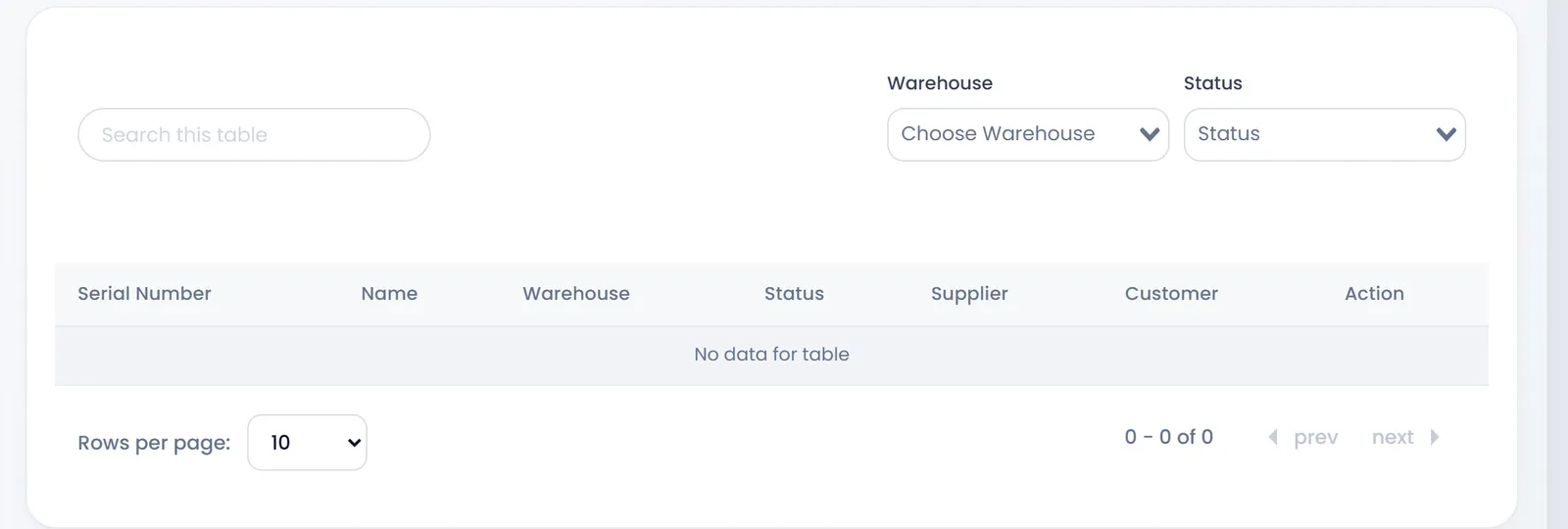
Products › Serial Numbers lists every unit with its Serial Number, product, Warehouse, Status, Supplier and Customer. Search by number, or filter by warehouse and status. History on a row shows the unit's every move: when it was bought, sold and returned, by whom, with the reference.
On a unit's page you can mark an available unit Damaged or Reserved, and back to Available.
Transfers, adjustments and damages don't move serial numbers: a unit moved to another warehouse that way can't be sold there. Move serial-numbered goods with a purchase return and a new purchase, or sell them from the warehouse they arrived in.
What's next
The reports for serial numbers and warranties: Serial number and warranty reports.
Still stuck?
Write to us and a person answers. If you already have a shop, Ask support inside it sends us the page you're on.
Contact usAsk your AI assistant
ChatGPT, Claude and Gemini can read every guide and walk you through it.
Set it up