




Names like these, in green, are pages inside your ArmPOS shop. Sign in to your shop to open them.
By the end you will know what ArmPOS's webhooks page holds, how to add an address and test it, and what to expect from it today.
Today, only Send Test reaches your address. Sales, purchases, payments and the other events you can tick don't send anything yet. Don't build on webhooks until this changes: for now, export from the reports instead.
This guide was written from ArmPOS's screens and code and was not run against an outside system. Webhooks come with some plans only.
What a webhook is
A webhook is an address of one of your own systems, such as an automation tool, that ArmPOS sends a short message to when something happens in the shop. Each message is signed with the webhook's secret, so the receiving system can check it came from ArmPOS.
Add one
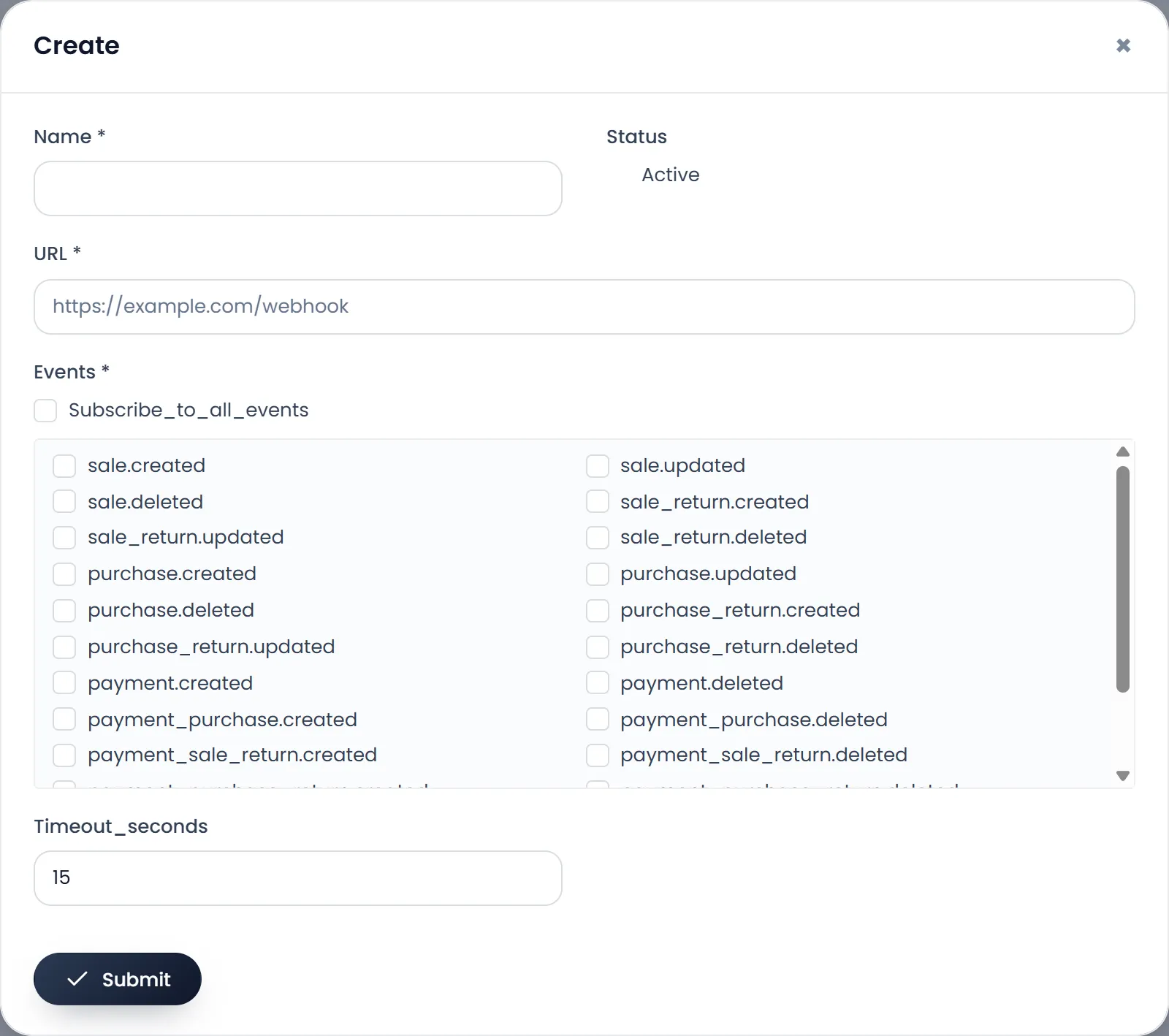
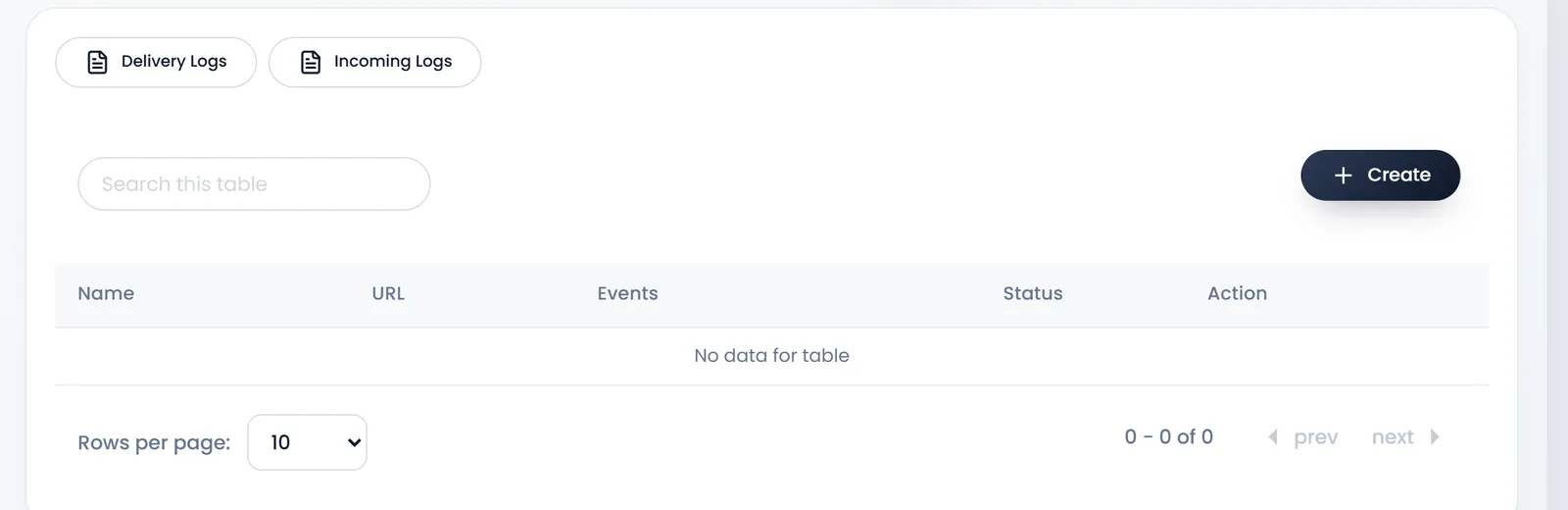
- Open Settings › Webhooks and click Create.
- Type the Name and the URL your system gave you. Both are required.
- Tick the Events to send, or Subscribe_to_all_events (its label shows like this) for all of them. At least one is required.
- Set Timeout_seconds, how long to wait for an answer (1 to 60; 15 to start).
- Click Submit.
Test it and read the logs
- Send Test on a webhook's row sends a test message (event
webhook.test). "Test webhook queued — check Delivery Logs." confirms it is on its way. - Delivery Logs lists every message with its Status, the answer's HTTP code and the Attempt; the eye shows what was sent and what came back. A message that fails is tried again after 1 minute, 5 minutes, 30 minutes and 2 hours, then marked failed.
- Edit shows the webhook's Secret; give it to whoever sets up the receiving system. Regenerate makes a new one at once: the old one stops working.
Receiving messages
ArmPOS also has an address that other systems can send to, listed in Incoming Logs. It only records what arrives: nothing in the shop changes.
What's next
If you need your figures in another system today, export them from the reports with EXCEL.
Still stuck?
Write to us and a person answers. If you already have a shop, Ask support inside it sends us the page you're on.
Contact usAsk your AI assistant
ChatGPT, Claude and Gemini can read every guide and walk you through it.
Set it up