




Names like these, in green, are pages inside your ArmPOS shop. Sign in to your shop to open them.
By the end you will know which report tells you what you have, what it is worth, what doesn't move and where it went.
All of them are under Reports in the sidebar. Most can be narrowed to one Warehouse and kept with Print, PDF or EXCEL.
What you have
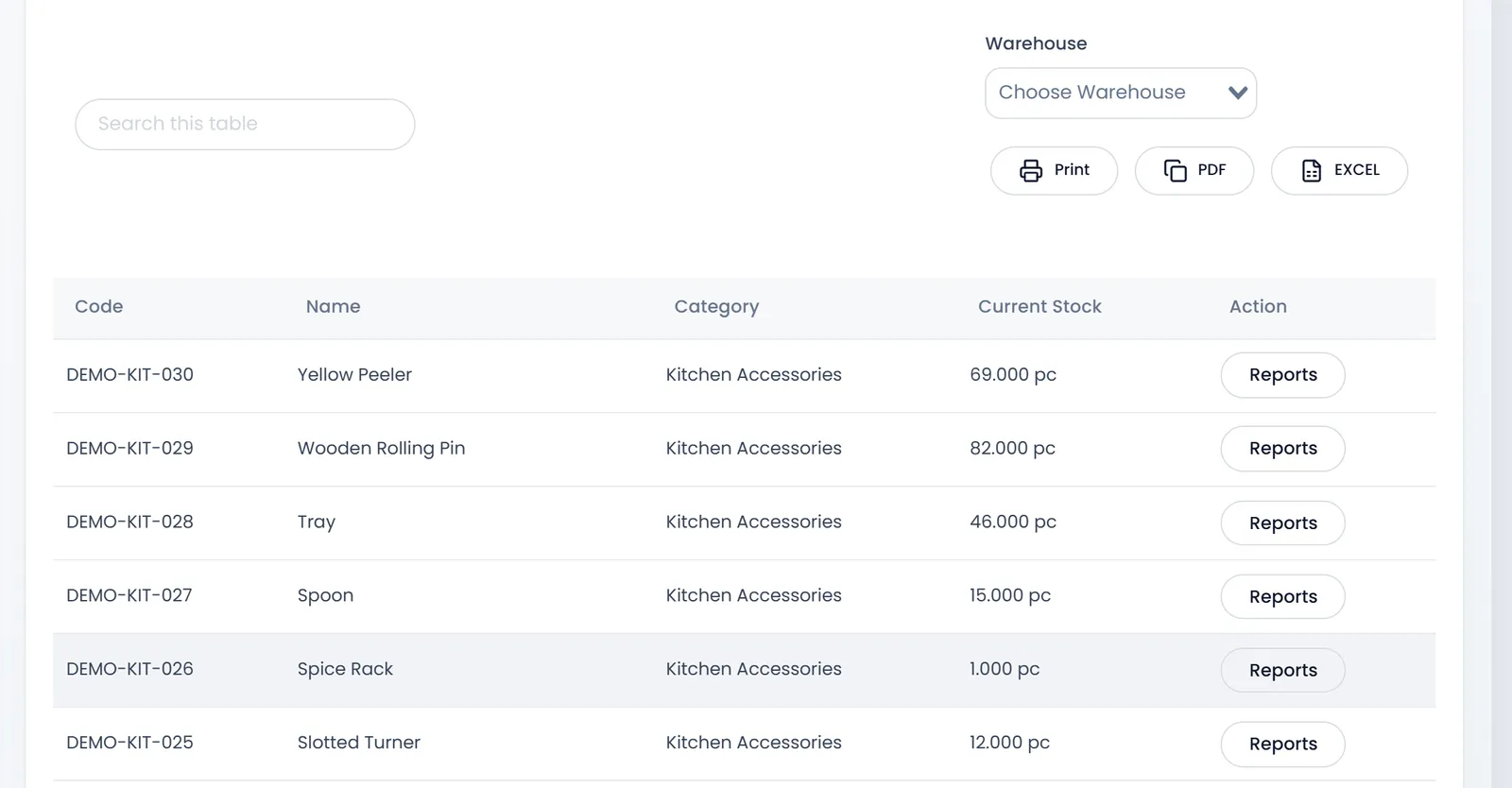
Stock Report lists each product's Current Stock with its Code, Name and Category. Reports on a row opens that product's own history, on tabs: its sales, quotations, purchases, returns, transfers and adjustments.
- Product Quantity Alerts lists what is at or below its Stock Alert: your reorder list. See Reports to check every day.
- Negative Stock Report lists products whose stock went below zero, which happens when you sell with overselling allowed. Count them and correct with an adjustment.
- Internal Location Report shows the rack or shelf each product sits on in each warehouse.
- Warehouses report gathers one warehouse's quotations, sales, purchases, returns and expenses on tabs. Its four tiles at the top count documents, although they show a $ sign.
What it is worth
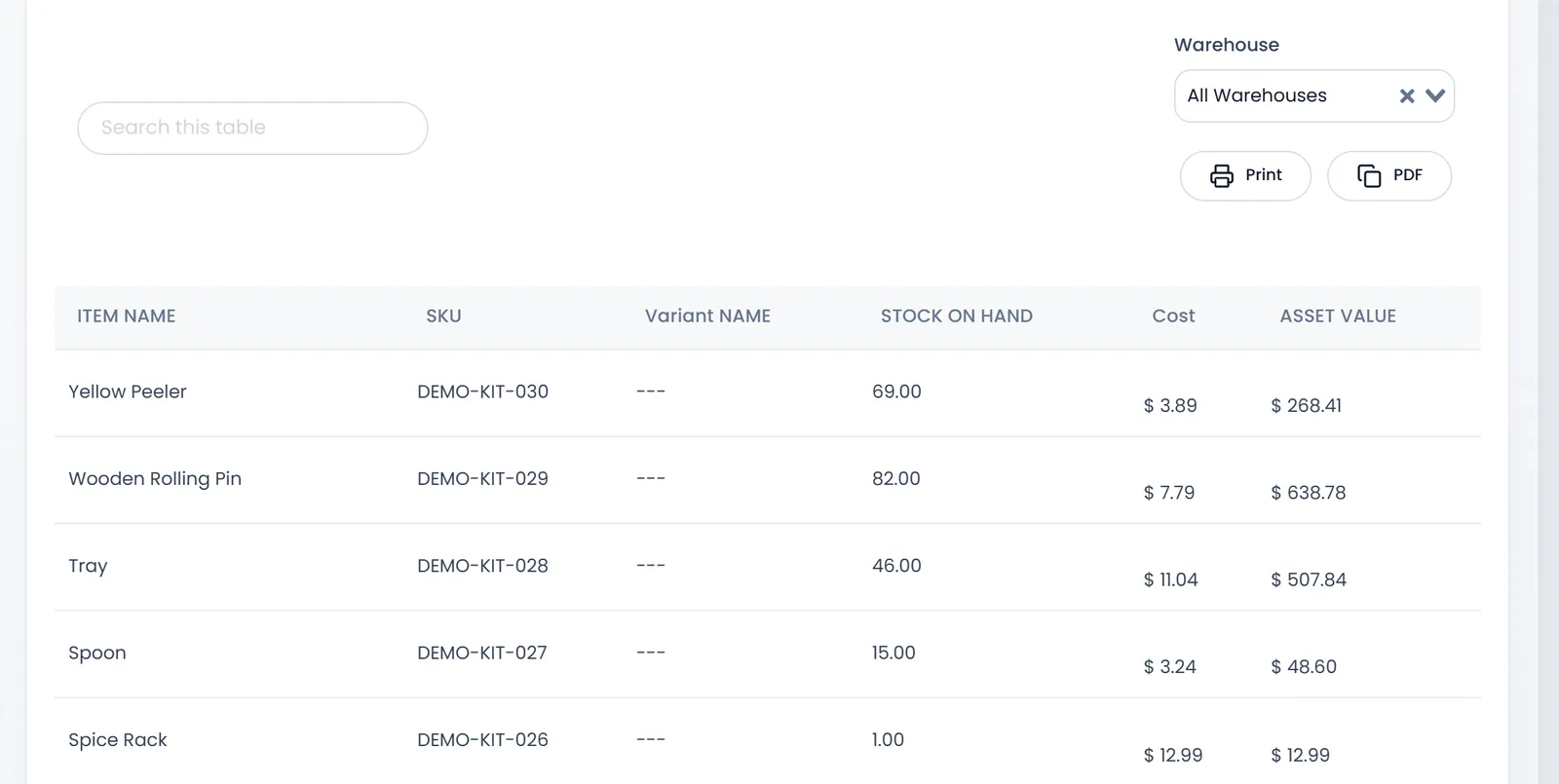
- Inventory Valuation multiplies each product's STOCK ON HAND by its Cost to give its ASSET VALUE, with the total at the bottom.
- Stock Inventory Valuation goes further for a period: the stock's value at cost and at selling price, the Potential Profit between them, and the units sold, transferred and adjusted.
What doesn't move
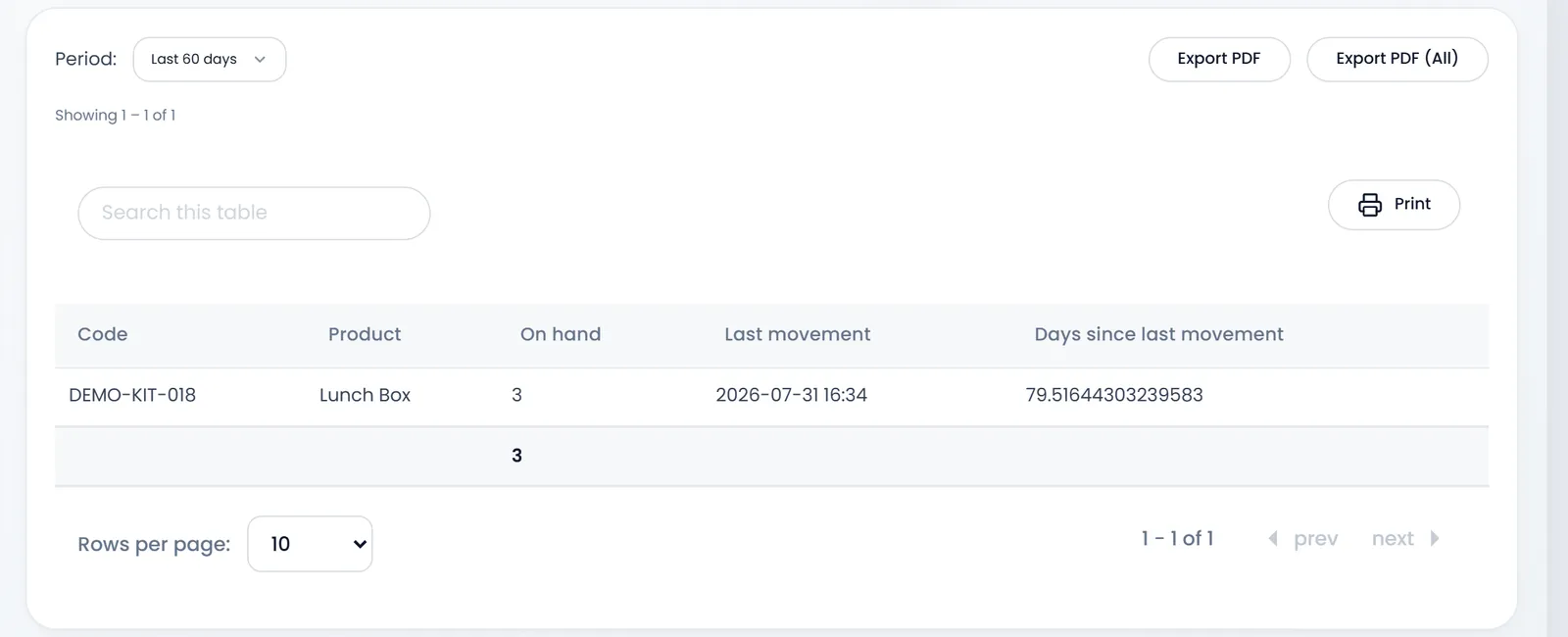
- Dead Stock Report lists products with stock that haven't moved in the Period you pick: the last 30, 60 or 90 days.
- Zero Sales Products Report lists products that haven't sold in the period, with their last sale.
- Stock Aging Report sorts what you hold by how long ago it came in, into buckets: up to 30 days, 30 to 60, 60 to 90 and over 90. Type other cut-offs in Buckets if you like.
Batches and expiry
Expiry Report and Batch Register work for products tracked by batch: what has expired, what expires within the warning window (90 days unless you change it), and each batch's quantity, cost and supplier. They stay empty until you receive batch-tracked products.
Where it went
- Stock Transfer Report totals the transfers between warehouses in a period, by route.
- Stock Adjustment Report totals your adjustments: Qty added, Qty removed and the Net qty, with each adjustment's cost.
- Products report totals each product's sales by warehouse for a period. If it shows nothing, use Product sales report instead.
What's next
Correct what a count found in Count and adjust stock.
Still stuck?
Write to us and a person answers. If you already have a shop, Ask support inside it sends us the page you're on.
Contact usAsk your AI assistant
ChatGPT, Claude and Gemini can read every guide and walk you through it.
Set it up