




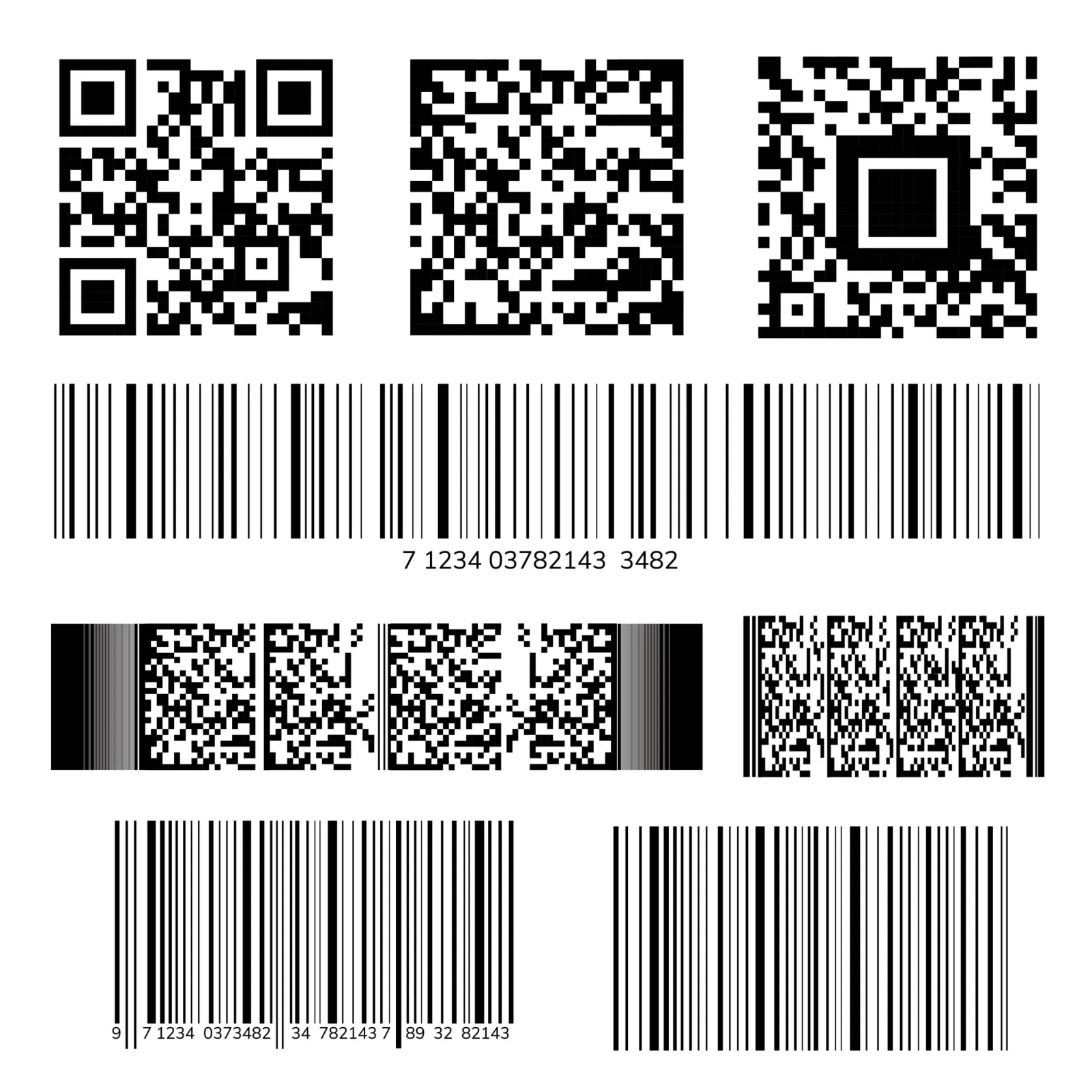

Barcodes and QR codes reduce human error by replacing typing with a scan: the system reads the exact code instead of a person copying it. That matters because typing goes wrong often. In one study, about 1 in 100 typed entries was wrong, and checking them by eye barely helped.
This guide shows where scanning removes errors in a shop and what typing costs in a month. It then covers which code to use where, and the mistakes scanning still lets through.
Why typing goes wrong, and why checking by eye doesn't fix it
People make small errors at a steady rate, and most of them look like valid entries. Kimberly Barchard's lab at the University of Nevada, Las Vegas, found that typing data in by hand gives error rates of around 1%.
Checking by eye did not help. In Computers in Human Behavior (2011), Barchard and Larry Pace report that visual checking left 2,958% more errors than typing everything twice. It was no better than typing once without checking.
A scan avoids both problems: the code is read, not typed, and nobody has to check it by eye. A barcode's check digit also rejects a misread, as what a UPC code is works through digit by digit.
A hospital has measured the effect. In Boston, Poon and colleagues (New England Journal of Medicine, 2010) studied wards that checked medicines by barcode inside an electronic medication record. Transcription errors fell from 6.1% to none, and other administration errors fell from 11.5% to 6.8%, a 41.4% cut.
Scanning cut errors without ending them: the authors note it "did not eliminate such errors". The rest of this page shows where the remaining ones come from in a shop.
Six places a scan replaces typing in a shop
Every point where someone types a code, picks a name or keys a price is a point where a scan helps. A shop has six.
| Where | What goes wrong when typed | What the scan does |
|---|---|---|
| At the till | The cashier picks the 500 ml from a name search while the customer holds the 1 litre | Finds the exact product, with its own price |
| Prices | A keyed price is mistyped or rounded down | Takes the price from the product's record |
| Receiving a delivery | Stock goes to the wrong product, or the wrong quantity is typed | Books each item to its own record |
| Counting stock | The counter writes a lookalike's count on the wrong line | Confirms the product before the count is written |
| Serial numbers | One digit of a 15-digit IMEI is mistyped | Reads the whole number from the box label |
| Batches and expiry dates | The batch or the date is copied wrong from the pack | A 2D code can carry the batch and the expiry date |
The till and receiving matter most, because one wrong entry there spoils two stock records at once. One product shows too much and its lookalike too little, the pattern that points to a code problem in an inventory discrepancy.
A scan can only tell lookalikes apart if each has its own code. Giving them codes that people can read too is the job of SKU management.
Factories add more points: materials in, materials to the line and finished cartons out. Scanning sacks and drums of raw materials follows the same logic, and barcodes in manufacturing maps every stage.
For example: what typing costs a mini-market in a month
The cost of typing is the number of wrong entries times what each one costs to find and fix. Run the sum with your own figures:
Wrong entries a month = entries typed a day × error rate × days open
For example, a mini-market in Nairobi rings up and receives 300 lines a day by typing codes or picking names. Take the 1% from the typing study as a guide to scale; the other figures are illustrative.
| Line | Working | Result |
|---|---|---|
| Wrong entries a day | 300 × 1% | 3 |
| Wrong entries a month | 3 × 30 days | 90 |
| Stock records left wrong | 90 × 2: one product over, its lookalike under | 180 |
| Time to trace them | 180 × 5 minutes | 15 hours |
| Staff time at KES 300 an hour | 15 × 300 | KES 4,500 |
| Undercharged sales | 30 of the 90, at KES 60 each | KES 1,800 |
| Cost a month | 4,500 + 1,800 | KES 6,300 |
The KES 6,300 is the smaller cost. The larger one is a stock figure nobody trusts, so reorders come too late and shelves run empty while the record still shows stock.
Scanning takes the typing out of all 300 lines. What remains are the scanning mistakes listed further down, and each has a simple fix.
Barcode or QR code: which to use where
Use a linear barcode where the code only has to name the product. Use a QR code where it must carry more: a batch, a date, a serial number or a web link. Most goods in a shop need only the first.
| Feature | Linear barcode (EAN-13, UPC, Code 128) | QR code and other 2D codes |
|---|---|---|
| What it holds | A product number, or a short code with letters in Code 128 | Much more: a product number with a batch, an expiry date, a serial number or a web address |
| How it is read | Across the bars, with the scanner lined up | From any direction, through 360° |
| If part of it is damaged | Often won't scan, and gets typed by hand | Restores about 7% to 30% of its data, by the level chosen when it is made |
| What reads it | Any barcode scanner, or a phone camera | A phone camera or a 2D imaging scanner; a laser scanner can't |
| Where it fits | Packaged goods at the till, shelf labels, cartons | Medicines, batch and expiry labels, equipment, links on packs |
The QR figures come from DENSO WAVE, the company that invented the QR code. Level L restores about 7% of a code, M 15%, Q 25% and H 30%. GS1 South Africa adds that GS1 DataMatrix is the only 2D code allowed on regulated healthcare items.
Retail is moving to 2D codes. GS1 US calls its Sunrise 2027 programme "a global transition from 1D UPC barcodes to 2D barcodes, like QR codes". It asks retailers to make sure their tills can read them.
For a small shop the choice is simple. Scan the maker's EAN-13 or UPC where goods carry one, and print Code 128 labels for the rest. Save QR codes for goods that need a batch, a date or a serial number on the label.
RFID, the third option, reads many tagged items at once by radio. Its cost against barcodes is worked in shillings in RFID vs barcodes.
What scanning still gets wrong, and the fix for each
Scanning removes typing, not carelessness. The hospital's 41% cut, rather than 100%, is the reminder, and these are the slips to watch for in a shop.
| Mistake | What happens | Fix |
|---|---|---|
| One scan for several items | Six yoghurts in three flavours are rung up as six strawberry | Scan every item, not one item times six |
| A wrong label | A label printed for one product sits on another | Test-scan the first label of each print run and check the name on screen |
| Two codes for one product | The maker's barcode and your own label are set up as two products, so the stock splits | Keep one code per product and scan only that one |
| A skipped scan | An item leaves the shop or enters the store room with no record | A beep on every scan, so a silent one is noticed |
| A damaged label typed by hand | The typing errors come back | Reprint the label the day you see it |
How to scan instead of type in ArmPOS
ArmPOS reads barcodes from a USB scanner or from the camera of the phone, tablet or computer it runs on. These steps move a shop from typing to scanning at each point in the tables above.
- Give every product one code. In Code Product, scan the maker's barcode or click the barcode button to make one. The code must be unique, so ArmPOS won't take one already in use (Add your first products).
- Label what has no barcode. Products › Print Labels prints sheets or stickers with each product's name and a barcode of its code. Barcode Symbology starts on Code 128 (Print barcode labels).
- Scan at the till. A USB scanner types into Scan/Search Product by Code Or Name, and an exact code with Enter puts the product in the cart. Scan reads a barcode with the device's camera, and scanning a product already in the cart raises its quantity by one (The POS screen).
- Hear every scan. Switch on Barcode Scanning Sound in Settings › POS Settings for a beep on each scan (Receipt and POS settings).
- Scan deliveries in. A purchase has the same product search, and its menu has Print Labels for the goods on it (Record a purchase).
- Scan serial numbers and IMEIs. For a product tracked by serial number, scan each unit's barcode on the purchase and again at the sale (Serial numbers and warranties).
- Scan corrections. An adjustment's product search has a scan button, so the differences a count finds go in without typing codes (Count and adjust stock).
Batches are picked from a list at the till, with the batch expiring first at the top. ArmPOS labels carry the name, the code and the price, not the batch. Which goods need which kind of tracking is in serial and lot numbers.
Every step runs in the same ArmPOS point of sale and inventory management system, on the devices a shop already has.
Frequently asked questions
Do barcodes eliminate human error?
No, they cut it. In the hospital study, transcription errors disappeared, but other errors fell by 41%. Wrong labels, skipped scans and one scan for several items still get through.
Are QR codes better than barcodes for inventory?
Only where the label must carry more than a product number, such as a batch or an expiry date. For goods at the till and shelf labels, a linear barcode does the job and every scanner reads it.
Can a phone scan barcodes and QR codes?
Yes, a phone camera can read both. In ArmPOS, Scan reads a barcode with the device's camera, so a shop can start without buying a scanner.
What happens if a barcode is damaged?
A damaged linear barcode often won't scan, and its check digit rejects most misreads. A QR code made at its highest level can restore about 30% of its data, DENSO WAVE says.
Start where your shop types the most, at the till or at receiving, and put a code on every product there. To scan sales, deliveries and corrections in one system, create a free ArmPOS account. The Starter plan is free, with no card needed, and the pricing page shows what each plan includes.


