




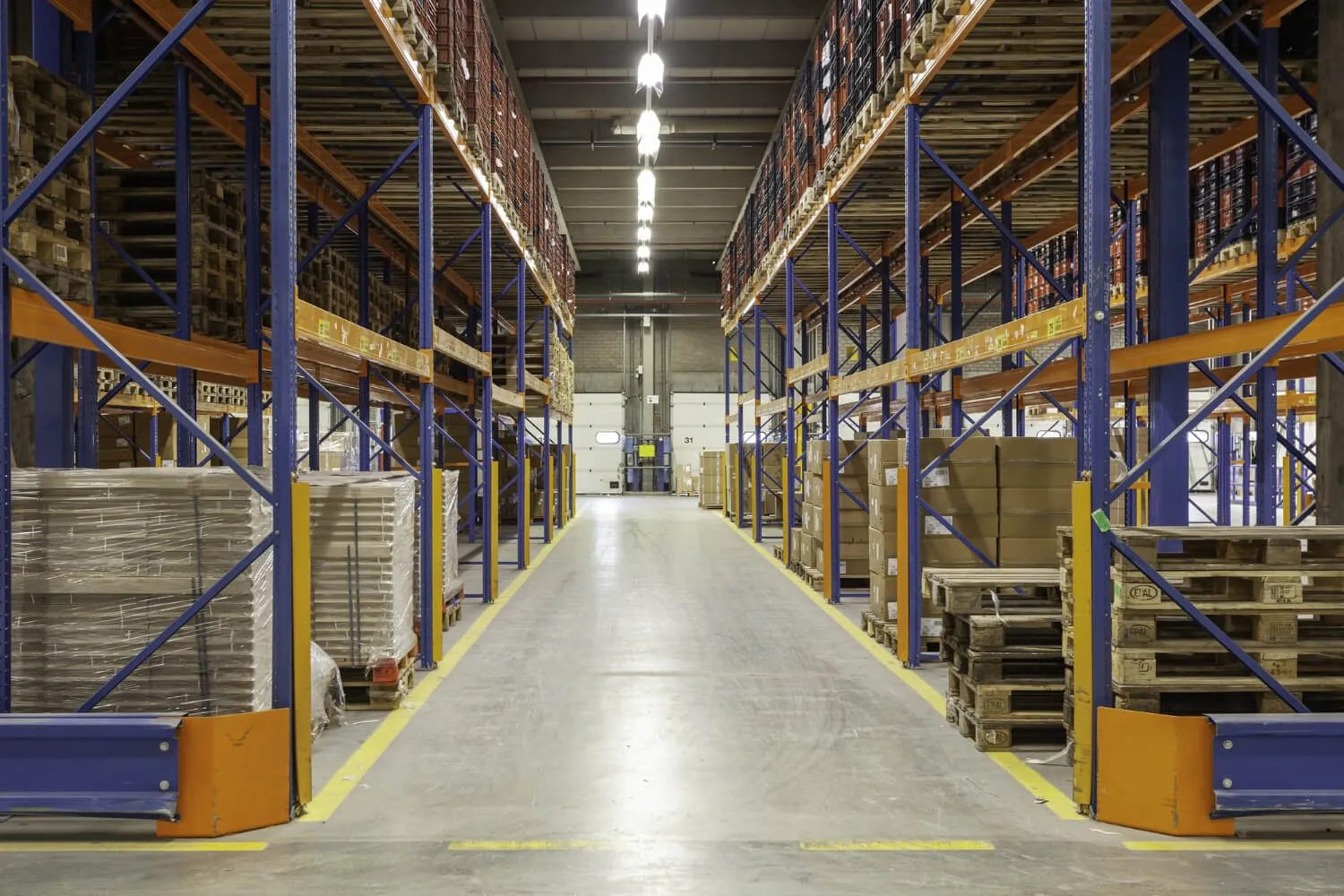

Multiple warehouse inventory management is controlling one business's stock across two or more warehouses, so each holds what its customers need. It rests on three records: stock by warehouse, transfers between them and a count of each. Without them, one warehouse overflows while another runs out, and nobody sees it until a customer is turned away.
This guide sets out what a second warehouse changes, how much stock to move between warehouses, and how to count while goods travel. It works one distributor's figures in CFA francs (XOF) and ends with the steps in ArmPOS.
What changes when stock sits in more than one warehouse?
Three things become decisions: which warehouse holds each product, when to move stock between them, and how to count goods on the road. The work inside each building stays the same.
Receiving, putaway and picking inside one building are warehouse management. How much stock the business holds, and where, is inventory management, and inventory management vs warehouse management sets the two apart.
| Question | One warehouse | Several warehouses |
|---|---|---|
| How much do we hold? | One figure per product | One figure per product in each warehouse, and the total |
| When do we buy? | When the warehouse reaches its reorder point | When a warehouse reaches its own reorder point and no other can spare the stock |
| Where does a delivery go? | Into the warehouse | Into the warehouse named on the order |
| How does stock move? | It doesn't | By an approved transfer, with goods on the road in between |
| How do we count? | One count | One count per warehouse, with every transfer settled first |
| What goes wrong? | Shortages or overstock | Both at once: one warehouse full, another empty |
Give each warehouse a job
Name what each warehouse is for, and the products it holds follow. Most small networks use three jobs.
| Job | What it holds | Refilled by | Typical place |
|---|---|---|---|
| Main | The full range and the reserve | Suppliers and imports | Near the port or the main supplier |
| Forward | The lines its area sells most | Transfers from the main warehouse, or local suppliers | Upcountry, serving shops in its region |
| Overflow | Bulk stock the main warehouse can't fit | Transfers only | A store rented for the busy season |
A product with no job in a warehouse shouldn't sit there. Slow, costly lines usually live only in the main warehouse, a choice worked product by product in centralized inventory management.
Each warehouse also needs its own reorder point, because each waits its own time for stock. A forward warehouse refilled once a week waits longer than a main warehouse whose supplier is across town.
How much stock should you move between warehouses?
Move enough to carry the short warehouse to its next delivery, plus a buffer, and no more. Balance the two warehouses only when the next delivery is far off.
Weeks of cover = stock on hand ÷ weekly sales
Quantity to move = (weeks to the next delivery + buffer weeks) × weekly sales − stock on hand − stock already on the way
For example, a cooking oil distributor in Côte d'Ivoire has warehouses in Abidjan and Bouaké. A carton costs XOF 15,000, and moving one by lorry costs XOF 400. The figures are illustrative, not a real business's.
| Input | Abidjan | Bouaké |
|---|---|---|
| Sells a week | 50 cartons | 30 cartons |
| Stock on hand | 600 cartons | 60 cartons |
| Weeks of cover | 12 | 2 |
| Next supplier delivery | In 4 weeks | In 3 weeks |
Bouaké runs out after 2 weeks and waits 3 for its delivery. Unless stock moves, it loses a week of sales, about 30 cartons.
| Option | Just enough | Balance both |
|---|---|---|
| Rule | (3 + 1) × 30 − 60 − 0 | Both warehouses at the same weeks of cover: 660 ÷ 80 = 8.25 |
| Cartons moved | 60 | 188 |
| Lorry cost | XOF 24,000 | XOF 75,200 |
| Cover afterwards | Abidjan 10.8 weeks, Bouaké 4 weeks | Both about 8.25 weeks |
Just enough is the default. It moves about a third of the cartons for a third of the lorry cost, and keeps Bouaké selling until its delivery.
Balance when the main warehouse holds far more than it will sell before its own next delivery, as Abidjan's 12 weeks suggest. Then cut or skip Bouaké's next order, or the extra stock has only moved to a new shelf.
Moving stock doesn't cure overstocking; ordering less does. A route that carries the same product both ways within a month is a buying problem, not a transport one.
How do you make a transfer leave a record at both ends?
Every carton that moves needs one document that both warehouses sign: what left, and what arrived. The USAID Logistics Handbook calls it an issue and receipt voucher.
The handbook's voucher lists the quantity issued and, in its own column, the quantity received, in case goods are lost or damaged on the way. Every copy carries the same transaction number, so both managers discuss the same shipment (USAID Logistics Handbook, pages 24 and 25).
In an inventory system, the transfer is that voucher. Three rules keep it honest:
- One person packs, another approves. The person who loads the lorry shouldn't approve the transfer that moves the goods.
- Stock leaves when it leaves. Mark the transfer as on the road the day the lorry goes, so the sending warehouse stops promising goods it no longer holds.
- Stock arrives when it is counted in. The receiving warehouse counts the cartons against the transfer before marking it arrived, and records any shortfall the same day.
How do you count stock across several warehouses?
Count each warehouse on its own sheet, and settle every open transfer before you start. Goods on the road are in neither warehouse's figure, and goods that arrived unrecorded sit in the wrong one.
For example, Bouaké counts 120 cartons of oil while its records say 60. The 60 cartons from Abidjan arrived on Tuesday, and nobody marked the transfer as arrived.
Complete the transfer; don't add the 60 with an adjustment. An adjustment fixes today's figure, but completing the transfer later adds the same 60 again. Bouaké's records would then show 180 cartons, 60 more than its shelves hold.
Between full counts, count each warehouse's fast and costly lines on a rota, as in an inventory cycle count. A warehouse whose counts keep missing is where to look first.
How to run multiple warehouses in ArmPOS
ArmPOS keeps every warehouse's stock in one account, with racks and shelves inside each. It records where stock is and every move, but it isn't a warehouse management system and doesn't plan picking routes.
Your plan sets how many warehouses you can have, and transfers come with some plans only (pricing).
- Add each warehouse and its racks. Create the warehouse in Settings › Warehouse, and each rack in Settings › Warehouse Locations with its Rack/Location Code. A product's Internal Location (Rack/Shelf) says where it sits (Your warehouse and its locations).
- Receive each purchase into its warehouse. The purchase's Warehouse is where the stock goes: received adds it, and ordered waits until you edit it to received (Record a purchase).
- Move stock with transfers. In Transfer › Create Transfer, choose the From Warehouse first; a line's Qty can't be more than its stock there. Nothing moves until someone with permission to edit transfers approves it (Move stock between warehouses).
- Use Sent and Completed. Sent takes the stock out of the sending warehouse while the lorry travels. Edit it to Completed when the cartons are counted in. Each transfer downloads as a PDF to travel with the goods.
- Record a shortfall on arrival. Complete the transfer, then record the lost or broken cartons as a Damage at the receiving warehouse. Name the transfer in its Note (Record damaged or spoiled stock).
- Limit each person to their warehouses. On a user, untick All Warehouses under Access warehouses and pick theirs. Keep permission to edit transfers with one manager (Roles and permissions).
- Turn on low stock alerts. Each product's Stock Alert is checked in every warehouse. Whoever switches on the alert Stock fell below its alert level hears of it by the bell, email or push (Get alerts on your phone).
- Count one warehouse at a time. Count Stock makes a sheet for one warehouse and one category, and an adjustment in that warehouse corrects the difference (Count and adjust stock).
Read four reports by warehouse each week. The Stock Report and Product Quantity Alerts show one warehouse when you pick it, and Inventory Valuation gives its stock at cost. The Stock Transfer Report totals transfers by route (Stock reports).
Selling online too? Online orders take their stock from the store's Default Warehouse, so point it at the warehouse that packs them (Set up your online store).
Frequently asked questions
What is multi-warehouse inventory management?
It is the same thing as multiple warehouse inventory management: one stock record for a business with two or more warehouses. Each warehouse has its own stock figure, reorder points and counts, and every move between them is a transfer.
How do you transfer stock between warehouses?
With one document both ends sign: what left and what arrived. Approve it before anything moves, mark it on the road when the lorry leaves, and mark it arrived only after the cartons are counted in.
How much stock should you move between warehouses?
Enough to carry the short warehouse to its next delivery, plus a buffer. Multiply the weeks to the delivery plus the buffer weeks by its weekly sales, then subtract its stock and anything already on the way.
Does a business with two warehouses need a WMS?
Rarely. Stock by warehouse and by rack, approved transfers and counts per warehouse run two or three sites. A warehouse management system earns its cost when picking inside a building is the bottleneck.
Work out the weeks of cover for your ten biggest lines in each warehouse this week, and move only what a gap needs. To keep every warehouse, rack and transfer in one record, create a free ArmPOS account: the Starter plan is free, with no card needed.