




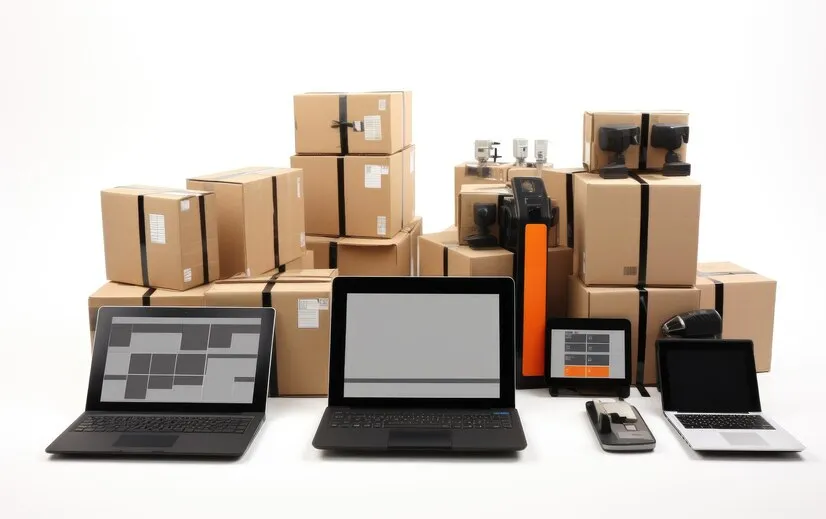

The inventory management tools for small business come in five types. They are a stock book, a spreadsheet, barcode hardware, a POS system with inventory built in, and standalone inventory software. The first two work until a second person starts selling; after that, the choice depends on what breaks first in your shop.
What are the five types of inventory management tools?
Each type does a different job, costs a different amount to start, and stops working at a different point. The table compares them on the three things a small shop feels first.
| Tool type | Cost to start | Works offline? | Where it stops working |
|---|---|---|---|
| 1. Stock book or bin cards | A notebook | Yes | No totals or margins, one copy, and losses stay invisible |
| 2. Spreadsheet (Excel or Google Sheets) | Free with a Google account, or the Excel you have | Excel yes; Google Sheets after an offline setup | It can't see the till, and two people editing at once clash |
| 3. Barcode scanner and labels | A phone camera, or a scanner from KSh 2,055 | Yes | It reads codes but keeps no records itself |
| 4. POS with inventory built in | Free plans exist, with limits | Depends on the system: test it | Factories, and warehouses that pick and ship at volume |
| 5. Standalone inventory or ERP software | A subscription plus setup and training time | Depends on the system: test it | It needs a separate till, or a link to one |
Google Sheets works offline only in Chrome or Edge, with Google's Docs Offline extension. You must turn it on while you still have a connection (Google Docs Editors Help), so set it up before the network drops.
A point of sale system and inventory software overlap but are not the same. POS vs inventory management system explains when you need one, the other, or both.
Which inventory tool fits your shop?
Start from your situation, not from a feature list. Each row names the first tool that handles it properly.
| Your situation | Start with |
|---|---|
| You sell alone, from a list you can count in an hour | A stock book or a spreadsheet |
| Two or more people sell | A POS with inventory, so each sale records itself under a name |
| Regular customers buy on credit | A POS that keeps each customer's balance and enforces a limit |
| You buy cartons and sell pieces | A tool that converts units by itself |
| Your goods expire | A tool that tracks batches and expiry dates |
| You have two or more branches | Stock per branch, with transfers between them |
| You manufacture, or run a distribution warehouse | Standalone inventory or ERP software |
A spreadsheet can be forced to handle credit, units and branches. Every one of those becomes a formula someone must maintain, and each formula is one more place for an error.
What does inventory hardware cost?
Little, and some of it is optional. These are listing prices on Jumia Kenya, checked on 20 October 2026; they change often.
| Item | Price | Do you need it? |
|---|---|---|
| Wired USB barcode scanner | From KSh 2,055 | At a busy till; a phone camera works at a quiet one |
| Wireless barcode scanner | KSh 2,699 to KSh 6,000 | For counting shelves away from the counter |
| 80 mm thermal receipt printer | KSh 5,999 to KSh 7,999 | If customers expect a printed receipt |
| Label printer | Not needed to start | A4 sticker sheets in an ordinary printer do the job |
A shop in Nairobi can therefore start scanning for the cost of one USB scanner, or for nothing with a phone. ArmPOS in Kenya works in shillings, from the till to the reports.
What features does any inventory tool need?
Five, whichever type you choose. A tool missing one of them leaves that job to memory.
1. Stock alerts

A reorder level per product, and an alert when stock reaches it. How to avoid overstocking and stockouts shows how to set the level so the delivery lands before the shelf empties.
2. Reports you can export
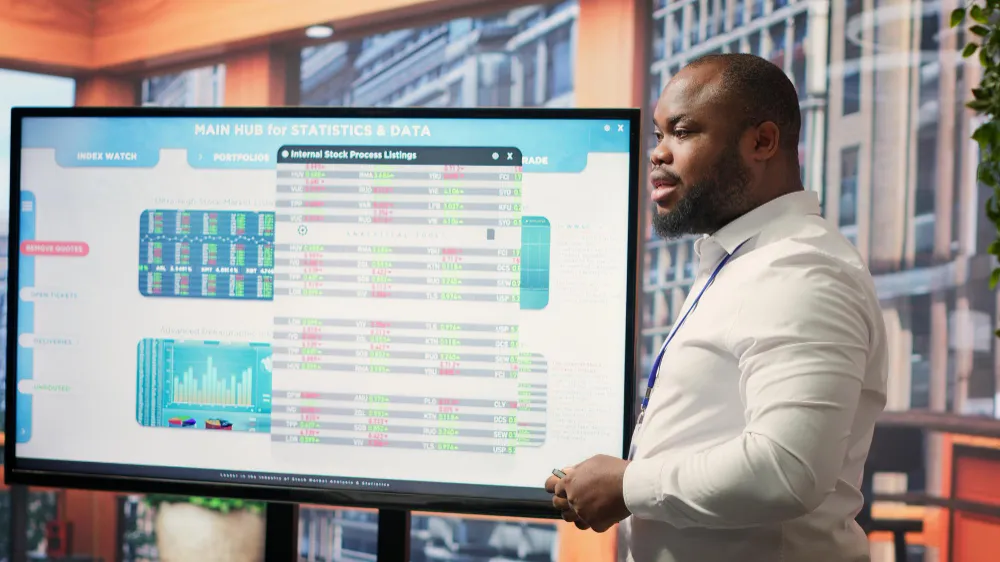
At minimum: stock on hand with its value, low stock, slow stock, and sales by product. Each should export to Excel, so your figures are never trapped in one tool.
3. A dashboard
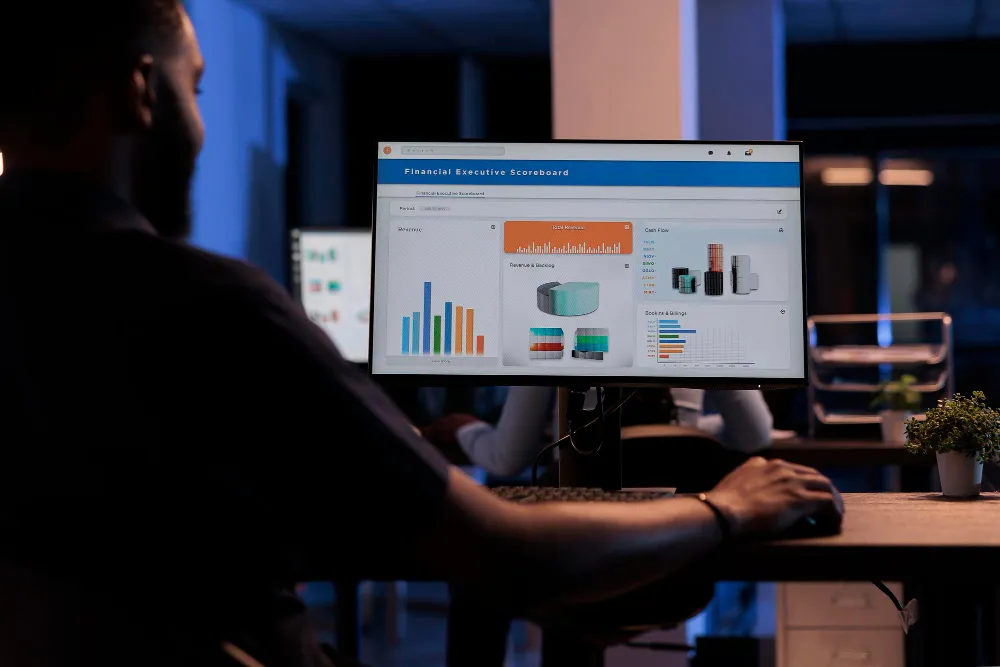
One screen with today's sales, best sellers and low stock. It is what you check before opening, so it must load on a phone.
4. Barcode scanning and labels
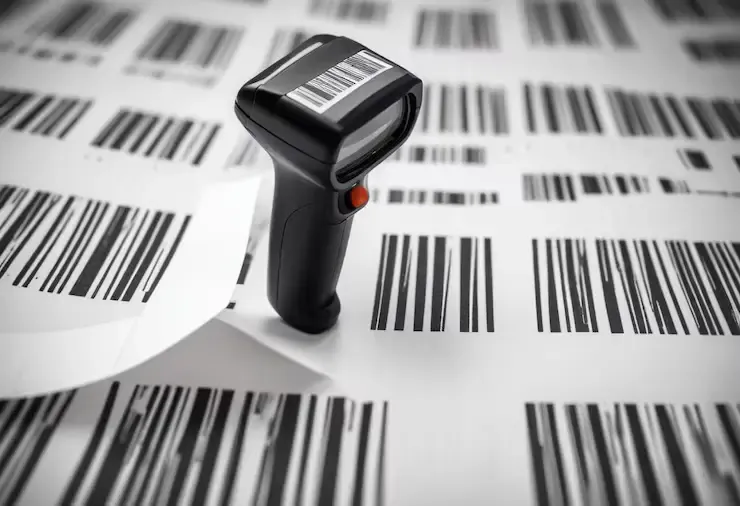
Scanning stops typing errors at the till and during counts. The tool should also print labels for products that came without a barcode.
5. Connections to your other sales
If you sell online too, both channels should share one stock figure. A link you have to press by hand is a reminder, not a connection: how to automate inventory management covers the difference. Cloud-based vs on-premises inventory compares where the shared figure can live.
How do you test an inventory tool before you choose?
Run these eight tests on a free plan or a demo, with your own products. A tool that fails one will fail it on a busy day.
- Switch off the Wi-Fi in the middle of a sale. The till should finish the sale, and the sale should appear once, not twice, when you reconnect.
- Receive one carton of 24 and sell three pieces. Stock should read 21.
- Sell on credit to a customer with a limit, then try to go over it.
- Print a receipt on your own 58 mm or 80 mm printer.
- Scan a product with a USB scanner and with a phone camera.
- Give a cashier a login that can't see cost prices or reports.
- Export the stock report to Excel and open it.
- Count one shelf, and correct the difference with a note that records who and why.
Best POS systems for small businesses adds the questions to ask about price and support.
How to set up these tools in ArmPOS
ArmPOS is the POS-with-inventory type. It runs in the browser on Android phones, iPhones, tablets and computers.
- Scanning: a USB scanner types into the POS search box, and Scan reads barcodes with the device's camera (The POS screen).
- Labels: Products › Print Labels prints A4 sheets of 40 down to 10 labels, or stickers from 50 mm × 25 mm (Print barcode labels).
- Alerts: a Stock Alert per product shows on the bell, the dashboard and the Product Quantity Alerts report. Push and email alerts reach each person who switches them on (Get alerts on your phone).
- Reports: most stock reports print or export to PDF or Excel (Stock reports).
- Dashboard: the Overview tab shows total sales, best sellers, rising products and low stock (Welcome to ArmPOS).
- Credit and cashiers: a Credit Limit per customer is checked at the POS (Customers). A Cashier role can sell without seeing reports (Roles and permissions).
The Starter plan is free, with no card. The other plans are on the pricing page.
Frequently asked questions
What is the best free inventory tool for a small business?
For one person with a short list, Google Sheets. Once a second person sells, a free POS plan does more, because each sale takes stock off by itself.
Do I need a barcode scanner?
Not to start: a phone camera scans barcodes in a browser-based POS such as ArmPOS. A wired USB scanner, from KSh 2,055 on Jumia Kenya in October 2026, speeds up a busy till.
Do I need inventory software if I have a POS?
Not if the POS has inventory built in: stock per branch, purchases, counts and reorder alerts. Separate inventory software earns its place when you manufacture or run a distribution warehouse.
Are AI inventory tools worth it for a small shop?
Not before the basics. Forecasting tools learn from past sales records, so get alerts, counts and reports right first.
Where should a small business start?
With the four records every product needs. Inventory management for small business explains them and gives a 30-day plan.
Pick your type from the situation table, then run the eight tests. To run them on ArmPOS with your own products, create a free ArmPOS account.


