
POS and CRM integration means the till and your customer records share one customer, so every sale lands on the buyer's record. That record then opens at the till, with what they buy and what they owe. It boosts sales because a named sale can be followed up, collected and repeated; a walk-in sale can't.
This guide maps the data that should flow between the two and works out a Lusaka hardware shop's capture rate. It then shows when a separate CRM is worth it, and the steps in ArmPOS.
What POS and CRM integration means: three ways to connect
A point of sale (POS) system records the sale; a CRM keeps the customer's story. Integration makes them one record, in one of three ways.
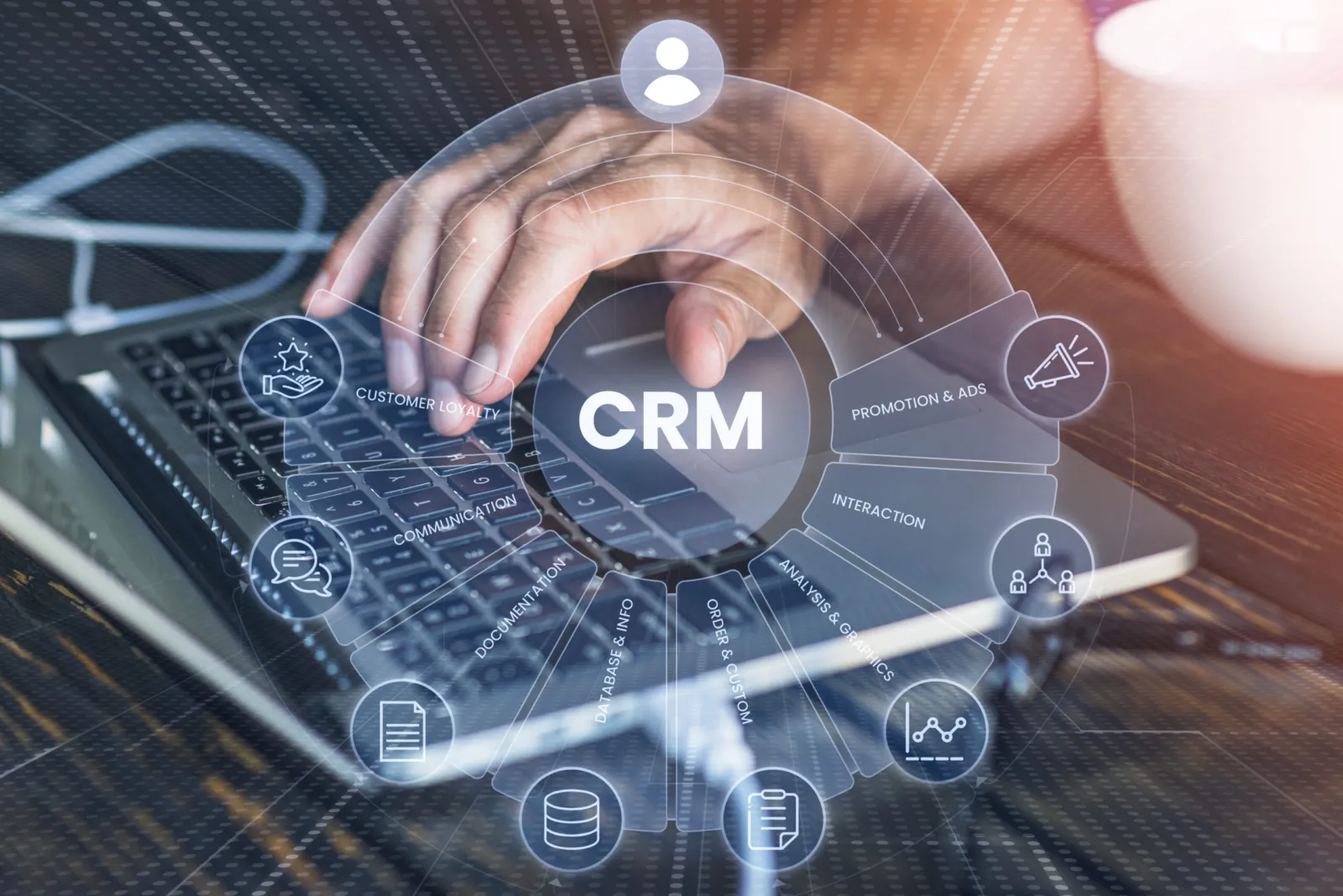
CRM stands for customer relationship management. Investopedia describes CRM software as gathering "contact data, purchase history, and any previous contact" with a customer in one place.
| Way | How data moves | Suits | Check before you rely on it |
|---|---|---|---|
| 1. Customer records built into the POS | Each sale is saved on the customer as it happens | Shops whose customers buy at the counter or online from their stock | Which CRM jobs it does: history, balances, segments, messages |
| 2. A POS linked to a separate CRM | Sales and customers pass through a connection or a middleware tool | Businesses whose sales team chases leads and quotes | What it sends, how often, and what happens when it fails |
| 3. Export and import | You export customers and sales to Excel and load them into the CRM | Any CRM, on any connection | That someone does it on a fixed day |
A live link sounds better than an export, but only if it sends what you use. For a shop that sells at a counter, records inside the POS do most of a CRM's work with nothing to maintain.
Stock stays in the POS's own records, a side covered in how to automate inventory management. This page is about the customer.
What data should flow between the till and the CRM
Capture at the till only what a later job will use, and capture it at the first sale. Six fields cover most shops; anything more gets skipped when the queue is long.
| Field | Captured when | The job it does |
|---|---|---|
| Name | At the first sale | Finds the customer at the till and prints on receipts |
| Phone number | At the first sale | Search, receipts by SMS, calls and campaigns |
| City or area | At the first sale | Groups customers by town for offers and delivery runs |
| Each sale and its items | By itself, once the customer is chosen | History, best customers and who bought a product |
| What they owe | By itself, when they pay less than the total | Collecting balances and holding a credit limit |
| Whether they agreed to messages | When you ask them | Messaging only the people who said yes |
Two mistakes sit at either end. A form with twelve fields gets skipped at a busy till, and a sale with no customer can never be followed up.
The last field matters by law in several countries. The consent rules in Kenya and Uganda are summarised in our customer loyalty program guide.
How POS and CRM integration boosts sales: a worked example
Integration pays through the sales you can name. Measure it as a capture rate, by count and by value, and the case for naming more sales makes itself.
Capture rate = sales with a named customer ÷ all sales
For example, a hardware shop in Lusaka counts one month's sales. The figures are illustrative, in Zambian kwacha.
| Sales to | Number of sales | Average sale | Takings |
|---|---|---|---|
| Named customers | 450 | 640 | 288,000 |
| Walk-in customers | 1,350 | 210 | 283,500 |
| All sales | 1,800 | 317.50 | 571,500 |
By count, the capture rate is 450 ÷ 1,800 = 25%. By value it is 288,000 ÷ 571,500 = 50.4%: a quarter of the sales carry half the money.
The named half is the part the shop can act on: builders who buy on account, regulars who phone their orders in. The walk-in half leaves nothing behind but a receipt.
So set a rule a cashier can follow, such as naming every sale above ZMW 500 and every sale on credit. Then track both rates monthly.
Three jobs a named sale makes possible
- Serve: the cashier sees what a builder bought last time and what goes with it.
- Collect: what each customer owes is on their record, and a credit limit stops a sale that would pass it.
- Bring back: a list of named customers who stopped buying is a list of calls. If 8 of them return, each spending ZMW 1,200 a month, that is ZMW 9,600 a month.
Points and credit as rewards belong to a loyalty program, set out in the loyalty guide above. Turning reports into weekly actions is covered in how to increase retail sales with POS data.
Do you need a separate CRM?
Most shops that sell at a counter don't. A separate CRM pays when a team follows leads, quotes and visits before the sale happens.
| Built-in records are enough when | A separate CRM is worth it when |
|---|---|
| Customers buy at the counter or online from your stock | Sales reps visit clients and log calls before an order |
| You need history, balances, groups and messages | You track deals through stages, with forecasts by rep |
| One person reviews customers each week | Sales, support and accounts teams share each customer |
If you do run one, start with a weekly export and import. Pay for a live link once you know which fields you really use. Two separate CRMs are compared in Odoo vs HubSpot.
How to integrate your POS and CRM in five steps
Five steps take a shop from anonymous sales to records it can use. The work is in the habits at the till, not the software.
- Define the jobs. Pick the first one: serving, collecting or bringing customers back.
- Pick the fields. Use the six above, and nothing a job doesn't need.
- Pick the way. Built in, linked or exported, from the first table.
- Train and test for a week. Every sale over your threshold gets a name. Check each day that sales appear on the customer, and that online buyers land in the same records.
- Review monthly. Read the capture rate by count and value, who stopped buying, and who owes what.
How to do it in ArmPOS
ArmPOS keeps customer records inside the POS, the first of the three ways. These are the steps by job, each with its Help center guide.
Capture
- Add customers at the till. Quick Add Customer in the POS top bar, or F8, needs only a name; add the phone and city too: Customers.
- Find them by phone. Customer in the POS searches by name or phone: The POS screen.
- Bring in your old list. Import customers from an Excel file, with what each already owed: Import customers and suppliers.
- Online buyers are the same records. Each online store account is also a customer in People › Customers: Store customers.
Serve and collect
- See a customer's history. Customer Ledger, in the customer's menu, lists their sales, payments, returns and quotations, with what is due: Customers.
- Find who bought a product. Search its name in the Product sales report: Sales reports.
- Hold a credit limit. The POS refuses a sale that would take a customer's debt above their Credit Limit. The customer's menu also takes one payment for everything they owe.
- Take part now, the rest later with Create Payment on the sale: Take payments and print receipts.
Bring back
- List who stopped coming. The Inactive Customers Report shows who hasn't bought in 30, 60 or 90 days: Customer and supplier reports.
- Group and message them. Segments filter by city, last purchase, number of purchases and amount spent. Campaigns go by email, or by SMS or WhatsApp through your own provider: Marketing campaigns.
- Send receipts by email or SMS from the payment window, SMS through your own provider: Email and SMS settings.
Using another CRM
Export the customer list with EXCEL in People › Customers, and import it into your CRM. ArmPOS's webhooks send only a test message today, so its guide advises exporting instead: Webhooks.
Marketing campaigns come with some plans only. Shops in Zambia and every other country ArmPOS serves keep their customers the same way.
Frequently asked questions
What is a CRM in a POS system?
Customer records built into the till: each customer's contacts, purchase history and balance, saved with every sale. For a shop, it does the CRM jobs without a second system.
Do I need a separate CRM for my shop?
Not if customers buy at the counter or online from your stock. A separate CRM pays when a sales team follows leads and quotes before the sale.
What customer data should a POS collect?
A name and phone number at the first sale, then the sales themselves. Add the city if you group customers by town, and skip fields nobody uses.
Can I send customers SMS or WhatsApp offers from my POS?
In ArmPOS, yes, on plans with Marketing, through your own SMS or WhatsApp provider. Ask each customer first, and note who said yes.
How do I know the integration is working?
Track the capture rate by count and by value every month. If more of your takings carry a customer's name, the records are doing their job.
Count your named sales this week, by number and by value. Then create a free ArmPOS account, import your customer list, and add a phone number to every sale over your threshold.